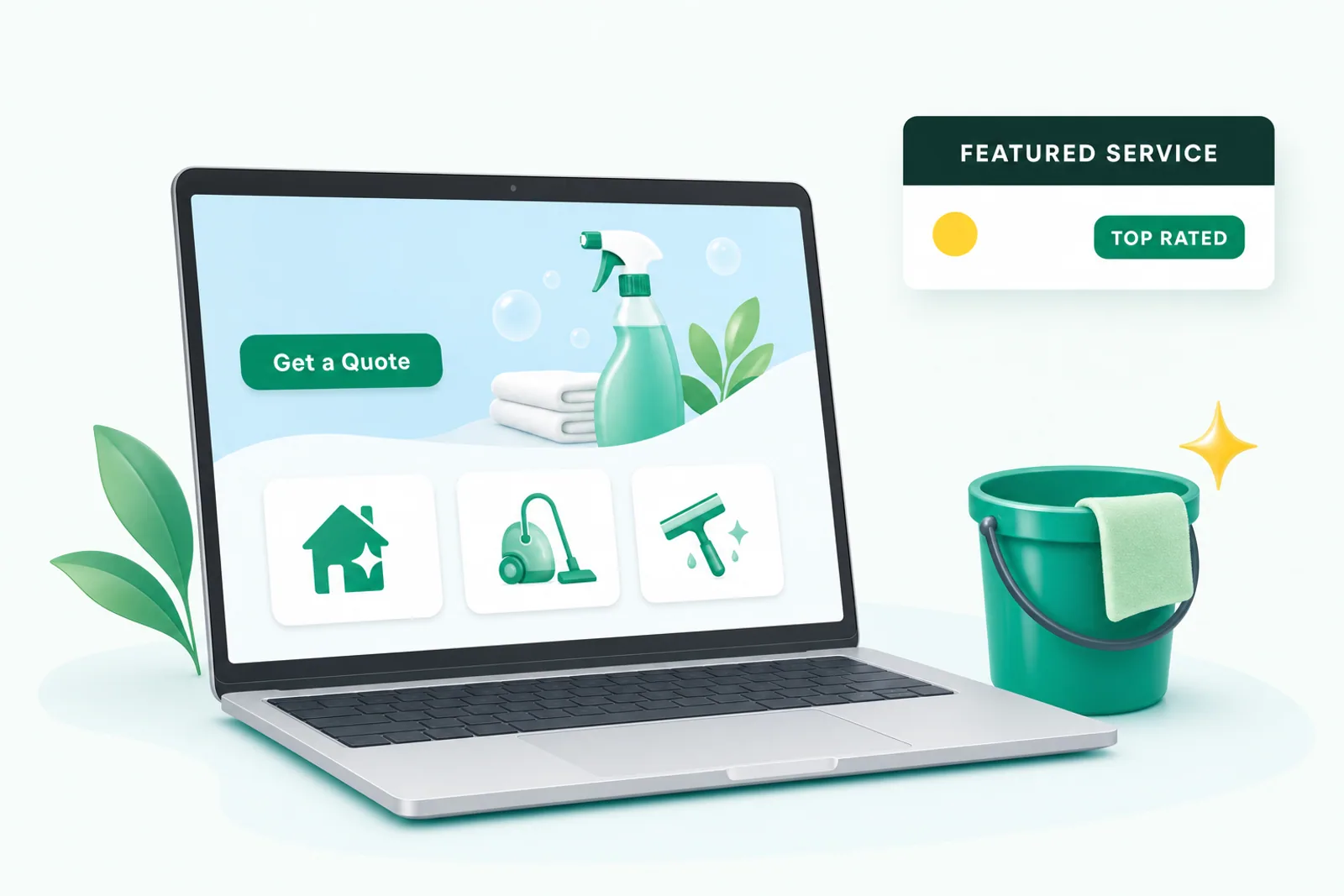

Search “cleaning company website” on Google and the results are a mess: free website builders, a dictionary page, and a couple of fast-food chains. That tells you two things. Nobody has written a straight answer, and the people searching are cleaning company owners who know their site isn’t working and don’t know why.
Here’s the straight answer. A website for a cleaning business has exactly two jobs:
- Rank for the searches people in your city type when they want a cleaner.
- Convert that visitor into a quote request in under a minute, on a phone, while they’re standing in a messy kitchen.
Most cleaning sites do neither. They’re a one-page brochure with a contact form, built in 2016, sitting on page seven. Below is what the ones that work have in common, page by page, and what to do about templates, builders, and booking platforms.
Why “having a website” isn’t enough
Backlinko analyzed about 4 million Google results and found that the #1 organic result gets 27.6% of clicks, the top three get 54.4%, and only 0.63% of searchers click anything on page 2. Below the top three, you’re fighting for scraps. Below page one, you don’t exist.
So the site’s first job is to put you in the top three for the searches that matter in your city: “house cleaning near me,” “maid service [city],” “deep cleaning services,” “move out cleaning [city],” “commercial cleaning services [city].” A page can only rank for a search if it’s about that search. Which brings us to the single biggest mistake.
The biggest mistake: one page for everything
The typical cleaning site has a homepage that says “residential and commercial cleaning, call for a quote.” That page is trying to rank for fifty different searches at once and it ranks for none of them.
Google wants one page per topic. So does the visitor. A homeowner searching “move out cleaning” wants a page about move-out cleaning: what’s included, what it costs, how fast you can come. An office manager searching “janitorial services” wants something completely different. Sending both to the same homepage loses both.
Here’s the structure that works for a company that does both residential and commercial work:
- HomepageWho you clean for, the cities you serve, your Google rating, a tap-to-call number, and one clear button: Get a Quote. Links to every service and city page.
- One page per serviceRecurring house cleaning, deep cleaning, move-in and move-out cleaning, and, if you do it, commercial and janitorial cleaning. Each with what is included, a starting price, photos of real rooms, and a quote form.
- One page per cityEvery town or suburb you serve gets its own page: the services you offer there, a few real jobs from that area, and the same quote form. This is how you show up for "house cleaning Cary" when your shop is in Raleigh.
- Pricing or "what is included"A plain checklist of what a standard clean and a deep clean include, with a price range for each. This page ranks for the cost questions and pre-qualifies the people who fill out your form.
- About and reviewsWho you are, whether your cleaners are employees, your insurance and bonding (only if true), and your Google reviews pulled in automatically.
- Contact and quoteA short form: bedrooms, bathrooms, how often, name, phone. Nothing else. Plus the phone number, tap-to-call, on every page.
That’s usually 8 to 15 pages for a single-city company and more as you add towns. It’s not a lot of work. It’s the difference between a site that ranks and a brochure.
The nine things every page needs
1. It loads fast on a phone
The person searching “house cleaning near me” is on a phone, often while looking at the mess. A page that takes six seconds to load is a page they never see. Speed is also a Google ranking signal. Compressed images, no bloated plugins, no sliders, no pop-ups, and decent hosting get you most of the way.
2. It’s designed for the phone first
Not “responsive,” which usually means a desktop layout squeezed into a phone screen. Mobile first: big tap targets, the phone number in the header, the quote button visible without scrolling, the form short enough to finish with one thumb.
3. A tap-to-call number everywhere
In the header, in the hero, after every section, in the footer. Some people would rather talk than type, and a cleaning quote is a short conversation. Use a tracking number so you know the call came from the site.
4. A quote form that asks three things
Bedrooms, bathrooms, how often. That’s enough to price almost any house clean. Add name and phone. Stop. Every extra field costs you quote requests. If you need more detail, get it on the phone.
5. What’s included, with a price
This is where most cleaning sites lose. People want to know what a “standard clean” means and roughly what it costs before they’ll fill out a form. Thumbtack’s national data puts a standard house clean at $146 to $202 and an every-two-weeks visit at $160 to $220, a deep clean at $189 to $331, and a move-out clean at $199 to $354. Your numbers will differ. Publish yours, or at least a “starting at.”
A site with prices gets fewer tire-kickers and more quote requests from people who already know they can afford you. A site without prices sends the visitor to Thumbtack to find out, and Thumbtack sells that visitor to four companies.
6. Your Google reviews, pulled onto the site
BrightLocal’s 2026 survey: 97% of consumers read reviews for local businesses, 47% won’t use a business with fewer than 20 reviews, 31% only use businesses rated 4.5 stars or higher, and 74% only care about reviews from the last three months. You’re asking a stranger to let you into their home. Your reviews are the thing that makes that okay.
Pull them in automatically from Google so they stay fresh (the recency number matters), show the star rating in the hero, and put the three best on every service page. Don’t retype them, don’t cherry-pick five-year-old ones, and never invent one.
7. Real photos, not stock
A spotless kitchen you actually cleaned beats a stock photo of a model in a pressed uniform every time. Before-and-after pairs are the most persuasive content a cleaning company has, and they cost nothing to make. Get client permission, keep the shots tight on the room, and skip anything that shows an address or a face.
8. Trust details, stated honestly
Whether your cleaners are employees or contractors. Whether you’re insured and bonded. Whether you background-check. Whether the same team comes every time. These answer the questions people are actually asking before they hand over a key.
9. The invisible parts: schema and structure
Schema markup is a few lines of code that tell Google and AI tools what your business is, where it operates, what it costs, and what people rate it. Combined with clean headings and one topic per page, it’s how a site shows up in rich results and, increasingly, in AI answers. In 2026, 45% of US consumers used an AI tool to find a local business (BrightLocal), and those tools read your site the same way Google does. More on that on the AI search page.
Templates, builders, and booking platforms
Three questions every owner asks.
“Can I use a template?” You can, if the builder lets you own the domain, add unlimited pages, and keep the pages fast. The problem with most cleaning templates isn’t the template. It’s that they come with one service page and no city pages, and nobody adds them. A template with the structure above beats a custom site without it.
“What’s the best website builder for a cleaning company?” Any modern builder that gives you your own domain, fast pages, and real page-by-page control: Framer, Webflow, Squarespace with care, WordPress on good hosting. The wrong answer is the free page inside a lead marketplace, because you don’t own it and it exists to send the visitor back to the marketplace.
“My booking software gives me a website. Is that enough?” No. ZenMaid, BookingKoala, Jobber, and the rest are good at what they do: scheduling, invoicing, reminders, online booking. Their hosted “website” is usually one page on their domain, and you can’t build the service and city pages that rank. The right setup is your own site on your own domain, with the booking tool’s quote or booking widget embedded on your pages. You get the ranking and the scheduling.
| Item | Your own site on your domain | Booking platform page | Marketplace profile |
|---|---|---|---|
| You own it | ✓ | ✕ | ✕ |
| One page per service and city | ✓ | Rarely | ✕ |
| Ranks for "house cleaning [city]" | ✓ | Rarely | The marketplace ranks, not you |
| Who the lead belongs to | You | You | Often shared |
| Online booking | Embed the tool | ✓ | Through them |
What it costs
Three honest options.
Do it yourself on a builder: a few hundred dollars a year plus a lot of evenings, and the real cost is the service and city pages you never get around to writing.
Pay for a custom build up front: often several thousand dollars, then the site sits untouched because nobody’s being paid to add pages, chase reviews, or fix what breaks.
A flat monthly plan that includes the build and the ongoing work. Ours is $1,000 a month: the site on your domain, hosting and security, local SEO, Google Business Profile work, AI search visibility, call and quote-form tracking, a monthly report, and unlimited edits. Nothing due until the site is live, no contract, and you own everything. Details and a calculator with your own numbers on the pricing page, and the full build process on the web design page.
Which one is right depends on whether you’d rather spend evenings or dollars. Just don’t pick the fourth option, which is leaving the 2016 brochure up and wondering why Thumbtack has all the leads.
A checklist you can run on your site tonight
- Loads in under three seconds on a phone (test it on your own phone, on cellular)
- Phone number tap-to-call in the header, with a tracking number
- A quote form with five fields or fewer, visible without scrolling on mobile
- A separate page for recurring, deep, move-out, and (if you do it) commercial cleaning
- A separate page for every city or suburb you serve
- What is included in a standard and a deep clean, with a starting price
- Your Google rating in the hero and real reviews pulled in automatically
- Real before-and-after photos of rooms you cleaned
- Honest trust details: employees or contractors, insurance, background checks
- Schema markup for a local business with your service area
If you checked fewer than six, the site is costing you clients. The fix is not a redesign for the sake of looks. It’s the structure above, built once and kept alive.
If you’d like us to look at yours, the free audit covers your site, your Google rankings, and your top three local competitors, with no pitch attached.
Frequently asked questions
- What is the best website builder for a cleaning business?
- The one that gives you your own domain, clean fast pages, and the ability to add a page for every service and every city. Framer, Webflow, and WordPress on good hosting all qualify if they are set up properly. What does not qualify: a single hosted page inside a booking platform or a marketplace profile, because you cannot add the pages that rank and you do not own it. We build on Framer because it outputs fast static pages and the client owns the site and the domain.
- How much does a cleaning company website cost?
- Template sites run from free to a few hundred dollars plus your time. Custom builds are often a few thousand dollars up front, and then nobody maintains them. We charge a flat $1,000 a month that includes the build, hosting, security, SEO, tracking, reporting, and unlimited edits, with nothing due until the site is live and no contract.
- Should I put prices on my cleaning website?
- Yes, at least a starting price or a range per service. Searches like 'house cleaning near me prices' and 'how much does house cleaning cost' are among the most common in the industry. A page that gives a number gets the quote request from someone who already knows they can afford you. A page that hides the number sends them to a marketplace to find out.
- How do I create a cleaning business website that ranks?
- One page per service and per city, each with what is included and a price range, your Google reviews pulled onto the site, a tap-to-call number and a short quote form on every page, fast load times on a phone, and schema markup that tells Google and AI tools what you do and where. Then keep it alive: a new city page, a new post, and fresh reviews every month.
Read more
How to get clients for a cleaning business: 12 ways, ranked by cost per client
How to get clients for a cleaning business: 12 ways, ranked by what each costs per recurring client and whether it keeps working after you stop paying.
How much does SEO cost for a cleaning business? A straight answer
How much SEO costs for a cleaning business, why agency prices range so widely, and how to judge the price against what one recurring client is worth.